
In today’s digital age, having a strong online presence is vital for nonprofits. Your website is often the first point of contact for potential donors, volunteers, and stakeholders. But managing a website can be complex, and that’s where a content management system (CMS) comes in. The right CMS can make managing your website easier, more efficient, and scalable. How do you choose the right one for your nonprofit?
In this article, we’ll break down everything you need to consider when selecting a CMS for your nonprofit website. From understanding the features that matter most to evaluating different platforms, you’ll find all the guidance you need to make an informed decision.
A Detailed Explanation of How to Choose the Right CMS for Your Nonprofit Website
What Is a CMS and Why Does It Matter for Nonprofits?
Before diving into the options, it’s essential to understand what a CMS is and why it matters. So, what is a content management system (CMS)?
A CMS is a software platform that allows users to build and manage digital content (primarily websites) without needing extensive technical skills. With the right CMS, your nonprofit can easily update content, add new pages, manage donations, and improve engagement without needing a full-time developer.
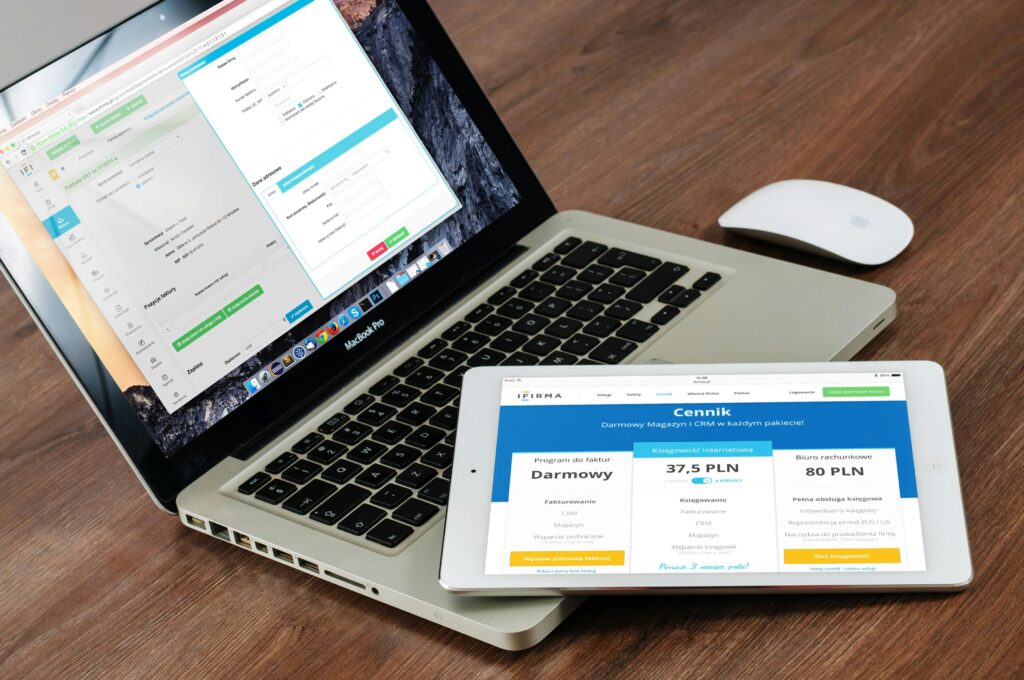
Why is this important for nonprofits? Nonprofits typically operate on tight budgets with limited technical staff. A good CMS reduces the need for specialized knowledge, freeing up resources to focus on mission-critical tasks. Additionally, the right CMS ensures scalability, allowing your website to grow alongside your nonprofit without requiring constant redesigns.
Key Features to Look for in a CMS
When choosing the best CMS for your nonprofit, you need to consider several factors. Here are the key features to prioritize:
1. User-Friendliness
Nonprofits often rely on volunteers or staff who may not have web development expertise. That’s why it’s crucial to choose a CMS with an intuitive interface and easy-to-learn tools.
- Drag-and-drop editors make page creation simple.
- Look for a platform with built-in tutorials or support resources.
- A minimal learning curve ensures more staff can update the website.
2. Customization Options
Your nonprofit is unique, and your website should reflect that. Opt for a CMS that offers ample customization options, such as:
- Custom themes or templates to match your branding.
- Flexibility with plugins or extensions that add extra functionality, such as donation forms or event management tools.
- Mobile-responsive designs to ensure your website looks great on any device.
3. Security
Nonprofits deal with sensitive donor information, and website security is paramount. Ensure your CMS offers:
- SSL certificates for encryption.
- Regular updates and patches to prevent security vulnerabilities.
- Role-based access to control who can update content on your site.

4. SEO-Friendly Features
Good visibility in search engines can help drive donations and increase awareness. A CMS with built-in SEO tools will make it easier to rank in search results. Look for features like:
- Metadata customization for pages and posts.
- Sitemap generation to help search engines index your site.
- Clean URLs that are easy to read and keyword-rich.
5. Integration Capabilities
Your nonprofit likely uses other software, such as email marketing tools, CRMs, or social media platforms. The CMS you choose should integrate easily with these tools.
- Email marketing integrations like Mailchimp or Constant Contact.
- Payment gateways for donations (e.g., PayPal, Stripe).
- Analytics tools such as Google Analytics for tracking website performance.
Popular CMS Options for Nonprofits
There are many CMS platforms available, but not all are suitable for nonprofit organizations. Here are some of the most popular CMS options for nonprofits, each with its own strengths.
1. WordPress
WordPress is the most popular CMS globally, and for good reason. It’s open-source, meaning it’s free to use, and there’s a vast library of plugins that can add almost any functionality you need.
- Pros: Easy to use, highly customizable, and supported by a large community.
- Cons: Some plugins and themes may require technical expertise to implement effectively.
WordPress is ideal for nonprofits that need a flexible, powerful CMS but also have the bandwidth to manage ongoing maintenance.
2. Drupal
Drupal is another open-source platform known for its robust security and flexibility. It’s excellent for large nonprofit websites that require custom functionality and a high level of security.
- Pros: Extremely customizable, secure, and powerful.
- Cons: Steeper learning curve and may require more technical expertise.
Drupal is great for nonprofits handling sensitive data or with complex website needs, but it may be overkill for smaller organizations.
3. Wix
Wix is a drag-and-drop website builder that’s very user-friendly and suitable for nonprofits without much technical knowledge.
- Pros: Easy to use, visually appealing templates, and quick setup.
- Cons: Limited scalability and customization compared to WordPress or Drupal.
4. Squarespace
Squarespace offers a balance between ease of use and customization, with a focus on design aesthetics. It’s suitable for nonprofits that prioritize branding and visual storytelling.
- Pros: Beautiful templates, built-in tools for donations and e-commerce.
- Cons: Less flexible than WordPress when it comes to plugins and integrations.
For nonprofits that rely heavily on visuals or storytelling, Squarespace can be a strong option.
How to Evaluate Which CMS is Best for Your Nonprofit
Choosing the right CMS for your nonprofit’s website involves a careful evaluation of your specific needs. Here’s a step-by-step process for making the right choice:
- Assess Your Technical Capabilities
- Do you have a technical team, or will volunteers manage the site?
- If you don’t have in-house expertise, prioritize a user-friendly CMS like WordPress or Wix.
- Define Your Website Goals
- Are you primarily looking for a way to process donations, or do you need more complex features like member portals, event registration, or volunteer management?
- Consider Your Budget
- Some CMS platforms, like WordPress, are free but may have costs related to hosting or premium plugins. Others, like Squarespace, have built-in hosting but charge subscription fees.
- Test Drive Different CMS Platforms
- Many CMS providers offer free trials. Take advantage of these to explore how easy (or difficult) it is to use the platform and whether it has the features you need.
Africads Consultants and CMS Support for Nonprofits
At Africads Consultants, we understand that selecting the right CMS is just the beginning. We support African nonprofits and churches with CMS implementation, website development, and ongoing management to ensure your digital presence reflects your mission effectively. Our services include:
- Google Ads grant management to drive traffic to your site.
- SEO services to boost visibility in search engines.
- Website design and content creation tailored to nonprofit goals.
Our experts work closely with your team to ensure that your website not only looks good but functions optimally for fundraising, volunteer recruitment, and more.
Choosing the right CMS for your nonprofit’s website is a critical decision that can significantly impact your digital presence. By focusing on ease of use, security, customization, and SEO features, you can select a platform that will help your organization grow online. Whether you’re a small nonprofit looking for a simple setup or a large organization in need of robust functionality, there’s a CMS out there for you.

FAQs
- What is the best CMS for a small nonprofit?
For small nonprofits, WordPress or Wix are excellent choices due to their ease of use and scalability. - How much does it cost to build a nonprofit website?
Costs can vary widely, but expect to budget for hosting, domain names, and premium plugins or themes, especially on WordPress. - Can I switch CMS platforms later?
Yes, but switching platforms can be complex, especially if your website has grown significantly. Plan for migration costs and potential downtime. - Do CMS platforms offer donation tools?
Many CMS platforms offer plugins or integrations with donation tools like PayPal or Stripe to process online donations. - What is the easiest CMS to use for non-technical staff?
Wix is very easy to use for those with no technical experience, while WordPress is slightly more customizable but still user-friendly. - Is WordPress safe for nonprofits?
Yes, with regular updates and proper security practices, WordPress can be a safe choice for nonprofits. - What CMS is best for large nonprofits?
Drupal is a good option for large nonprofits with complex website needs, but WordPress can also scale with the right plugins. - How does SEO work with a CMS?
Most CMS platforms have built-in SEO tools to help with metadata, keyword placement, and sitemaps. - Can a CMS handle event registrations?
Yes, many CMS platforms have plugins that support event registrations, calendars, and payment processing.
Should I use a free CMS or pay for one?
This depends on your needs. Free CMS platforms like WordPress can be extended with premium plugins, while paid platforms like Squarespace offer more all-in-one solutions.


